Overview Both Minecraft Java and Minecraft Bedrock are popular among people and have their own bugs and features which makes them special, but if you are changing your Minecraft edition from Minecraft Bedrock to Minecraft Java then it can be a little hard to leave your old Minecraft Bedrock world
Overview
Both Minecraft Java and Minecraft Bedrock are popular among people and have their own bugs and features which makes them special, but if you are changing your Minecraft edition from Minecraft Bedrock to Minecraft Java then it can be a little hard to leave your old Minecraft Bedrock world in which you have played since the start. Thankfully with ElixirNode’s Minecraft server hosting and this tutorial, it will be very easy.
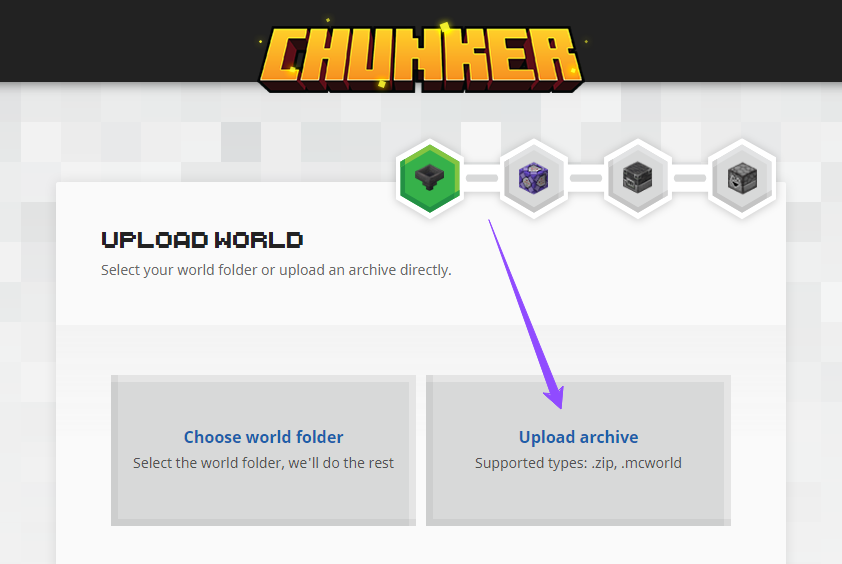
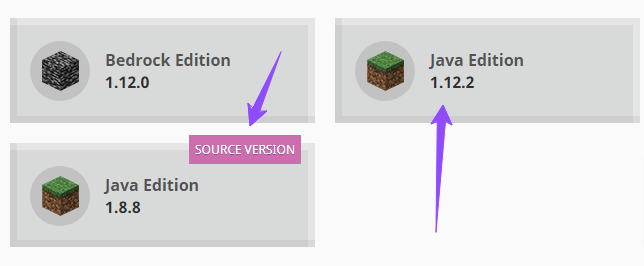
So, in this tutorial, we will show you how to convert your Minecraft Bedrock world into a Minecraft Java world. The whole process of converting your Minecraft Bedrock edition world into a Minecraft Java edition world is possible through a site named Chunker which is made by Hive Games Limited under the exclusive license of Minecraft.
Tutorial




Common Issues
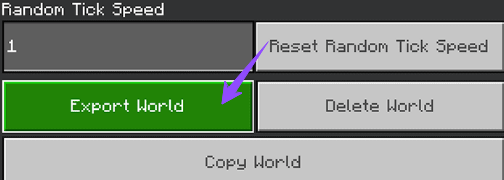
If your Minecraft world is not loading or appearing in your singleplayer world then make sure to check your “world” folder with all its files. If the “level.dat” file is not inside the folder then the world will not load intentionally. If your world still won’t load after checking all the things mentioned above then make sure to restart the game or reupload the files again.
If your server is loading the same World after the restart then make sure to check all the files that you uploaded in your server’s “world” folder. Even after doing all the things mentioned above, if your server creates a new world on the restart, try deleting your world zipped file after extracting it into your server’s “world” folder.
Conclusion
Congratulations, now you can convert your Minecraft Bedrock edition world into a Minecraft Java edition world without any difficulty. This information can come really handy if you are trying to convert a Minecraft Bedrock edition server into a Minecraft Java edition server to use plugins or mods in it. Also, as a quick note make sure to note down your coordinates of builds and the names and quantity of the things you have in your inventory.
If you have any problem make sure to contact us at support, our support team is always ready to help you anytime with your queries.
Featured Links
1. Chunker
2. How to upload a World into your Minecraft Server
3. Java and Bedrock Minecraft server hosting
FREE game server, VPS, web host, dedicated IP & more on most plans!
Get Started