This article will show you how to edit your email on the Minecraft control panel. STEP 1 Login to the Minecraft control panel. STEP 2 Navigate to and click the “Profile” tab near the top left of the window. STEP 3 Go to the “Email” section of your profile. It
This article will show you how to edit your email on the Minecraft control panel.
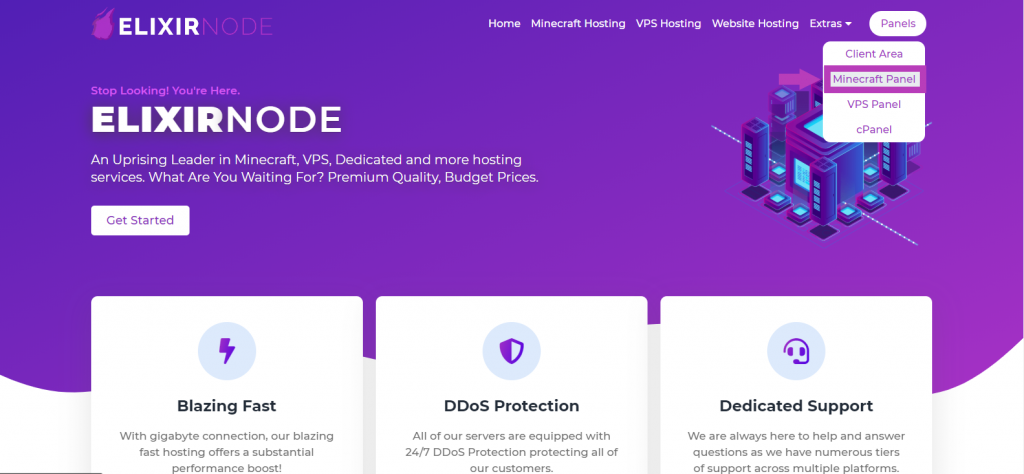
STEP 1
Login to the Minecraft control panel.
STEP 2
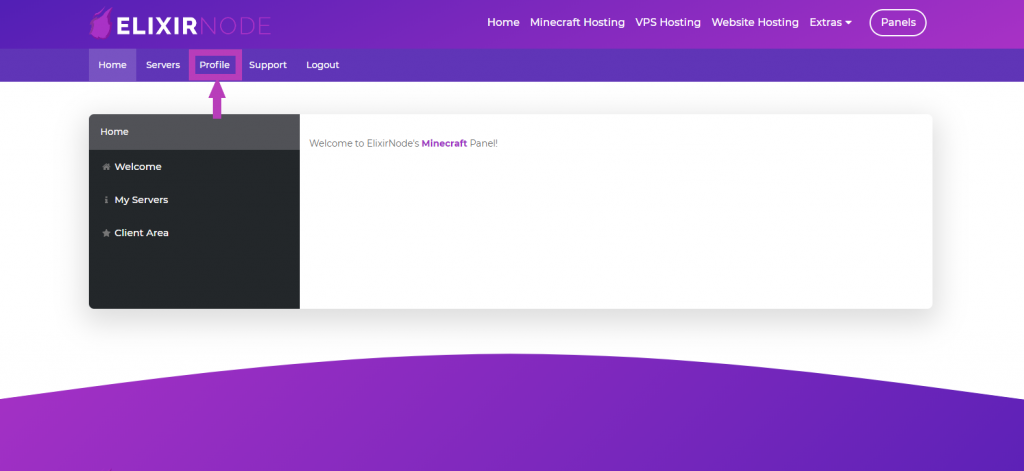
Navigate to and click the “Profile” tab near the top left of the window.
STEP 3
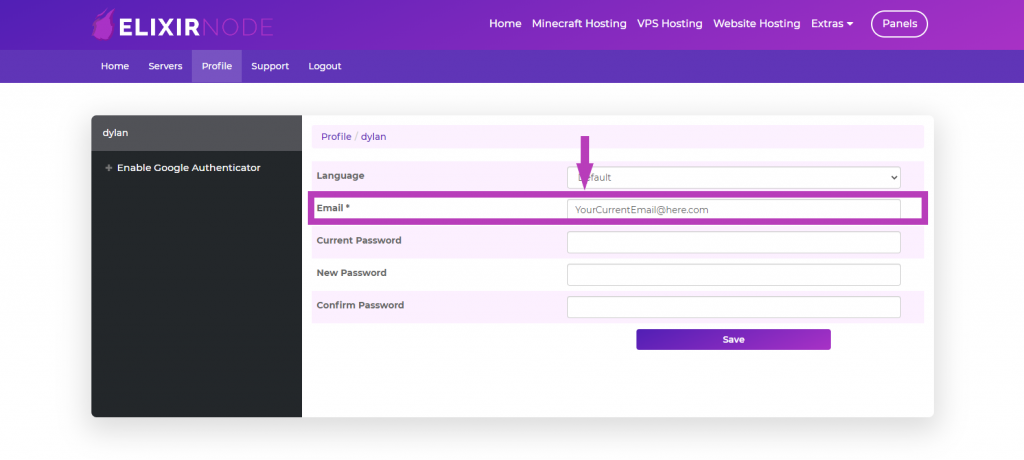
Go to the “Email” section of your profile. It will show your CURRENT email. Replace that with the NEW email you’d like.
STEP 4
After changing your email, click “Save” at the bottom of the profile window.

If you have any questions/concerns or need further help, contact us.
FREE game server, VPS, web host, dedicated IP & more on most plans!
Get Started