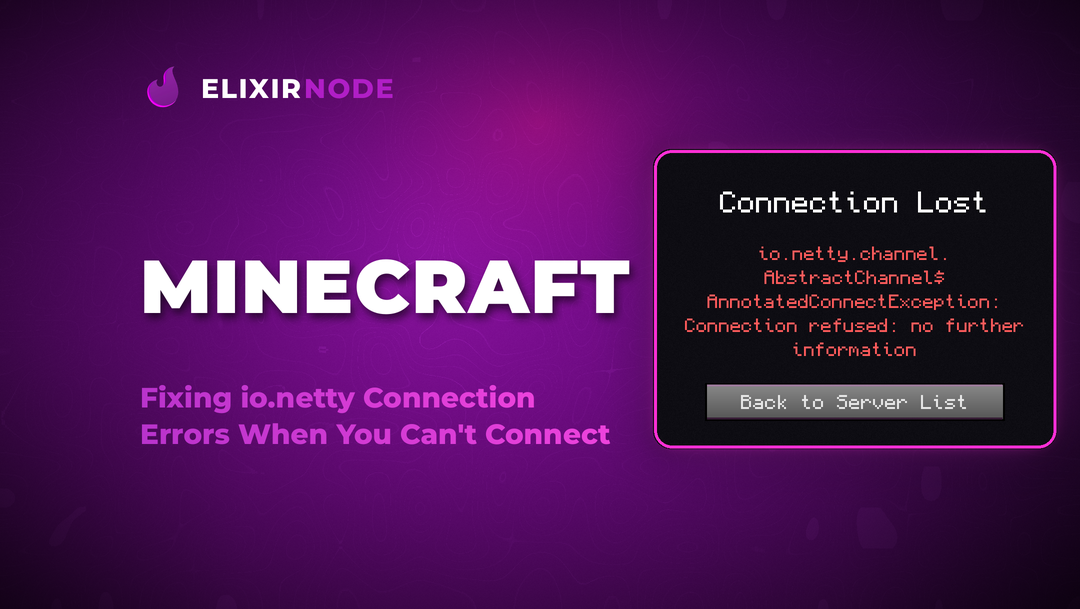
If Minecraft throws an io.netty connection error, it almost always means one thing: the game reached out to the server and got nothing usable back. The server is unreachable, unreachable on that exact address, or dropping the connection partway through. The full message usually reads something like io.netty.
If Minecraft throws an io.netty connection error, it almost always means one thing: the game reached out to the server and got nothing usable back. The server is unreachable, unreachable on that exact address, or dropping the connection partway through. The full message usually reads something like io.netty.channel.AbstractChannel$AnnotatedConnectException: Connection timed out: no further information, and while it looks scary, the causes are short and fixable.
The frustrating part is that the error text tells you almost nothing about which side is at fault. Sometimes it is your own firewall. Sometimes it is a wrong IP or port. Sometimes the server itself is offline or crashing. This guide walks through all three io.netty variants, tells you what each one actually means, and gives you the fixes in order, both for players trying to join and for owners running the server.
Netty is the networking library Minecraft uses under the hood to open and manage server connections. When you see io.netty in an error, the networking layer is reporting that the connection failed. It is not a bug in your world, your account, or your mods. It is a plumbing problem between your client and the server.
That plumbing fails in three distinct ways, and the exact wording tells you which one you have. Read the last few words of the message closely. Timed out, refused, and reset each point to a different cause and a different fix.
Before you change a single setting, match your error text to the table below. This one step saves you from trying player fixes on a server problem, or the reverse.
| Error text | What it means | Most likely cause |
|---|---|---|
| Connection timed out | The server never replied at all. | Wrong IP or hostname, closed or unforwarded port, a firewall silently dropping traffic, or the server is offline. |
| Connection refused | Something answered and actively said no. | Nothing is listening on that port. The server is not started, is on a different port, or a firewall is rejecting the request. |
| Connection reset | The connection opened, then got cut mid flow. | The server crashed or restarted, kicked you, ran out of memory, or your network dropped. Antivirus or a VPN can also sever it. |
Start here if you are a player and the server is not yours. Work down the list in order and test after each step.
play.example.net:25577.If it is your server and players cannot get in, the fix is almost always about where the server is listening and what stands between it and the player. This is the side most guides skip, so go through it carefully.
Done! line. A refused error usually means the process is not up, crashed on boot, or is still starting.server-port value in server.properties must match the port you forward and the port players connect to. A mismatch here is the single most common owner mistake.server-ip blank: In most setups the server-ip line in server.properties should be empty so the server binds to all addresses. Filling it in with the wrong value hides the server from everyone.localhost or internal address that works on your own machine.If wrangling port forwarding, firewalls, and memory sounds like more than you signed up for, this is exactly what managed hosting removes. With ElixirNode Minecraft hosting your server deploys instantly with a ready to share IP, the ports already open, and no router setup at all, so an io.netty error on your server points to a setting you can fix in the panel rather than a network you have to untangle. If you are setting one up for the first time, the ordering walkthrough covers it step by step.
Once you know which of the three you have, you can go straight to the cause.
Connection timed out: Treat this as an address or path problem first. Verify the IP and port, confirm the server is online, then rule out your firewall, VPN, and router. On the owner side, check port forwarding and that the host firewall allows the port.
Connection refused: Something is answering and rejecting you, so focus on the port. As a player, double check you have the right port. As an owner, confirm the server process is actually running and listening on the port you expect.
Connection reset: The link formed and then broke, so look for instability rather than a wrong address. Owners should check for crashes, restarts, and out of memory events in the console. Players should test whether antivirus or a VPN is cutting the session.
An io.netty connection error looks like a wall, but it is really just three short questions. Did the server answer at all? Did it answer and say no? Or did it answer, then hang up? Read the last two words of your error, match them to the cause, and the fix falls out quickly.
Most of the time it is a wrong port, a firewall, or a server that is not quite up. Work the list in order, test after each change, and you will be back in your world in minutes.
Still stuck on your own server? If you host with ElixirNode, our support team is available around the clock to check the network side for you so you can get back to building.
Why do only some servers give me an io.netty error while others work fine?
That points to something specific about the one server you cannot reach rather than your whole setup. It is usually a wrong or outdated address for that server, a custom port you are missing, or that particular server being offline or blocking your region.
Does an io.netty error mean I am banned?
No. A ban produces a clear kick message when you connect. An io.netty error means the connection never fully formed, which is a network or address issue, not a moderation one.
What port does Minecraft use by default?
Java Edition servers default to port 25565. If a server runs on anything else, you have to include that port in the address, and the owner has to forward and open that exact port.
I can join my own server but nobody else can. Why?
You are almost certainly connecting through the internal address while everyone else needs your public IP or domain. Confirm the public address works, then check port forwarding and the host firewall.
Can antivirus really cause a connection reset?
Yes. Some antivirus and VPN tools inspect or reroute game traffic and can cut an established session, which surfaces as a reset. Temporarily disabling them is a quick way to rule this out.
FREE game server, VPS, web host, dedicated IP & more on most plans!
Get Started