




Abandoned Camps Guide: All 18 Biome Variants & Loot Locations in Minecraft 26.3
Explore all 18 biome variants of the new Abandoned Camp structures in the Minecraft Wilderness Bound update. Learn how t...
Read More
Create the perfect MOTD for your Minecraft server with our visual editor. Add colors, formatting codes, and special characters with ease. No more manual file editing required!
Use the editor below to create your custom MOTD with colors and formatting
No hidden costs ever.
Start using instantly.
See changes live.
All 16 Minecraft colors.
Easy implementation.
Bold, italic, and more.
Common questions about the MOTD Creator tool
MOTD stands for "Message of the Day" and is the description players see when they view your server in their multiplayer server list. A well-designed MOTD attracts more players and makes your server stand out.
Copy the generated code and paste it into your server.properties file, replacing the existing "motd=" line. Save the file and restart your server for the changes to take effect.
Yes! You can use any Unicode characters in your MOTD. Our tool supports all standard characters, emojis, and special symbols that Minecraft allows.
Make sure you've copied the entire code including the § symbols. Also ensure your server.properties file is saved with UTF-8 encoding and you've restarted your server after making changes.
Yes! This tool is completely free with no signup required. You can use it as many times as you want to create and update your server MOTD.
All Minecraft Java Edition versions support MOTDs with color codes. However, some older versions may have limited color code support. The tool works best with Minecraft 1.7 and newer.
This tool is designed for Java Edition servers. Bedrock Edition uses a different MOTD format in the server.properties file, though basic text without formatting codes will still work.
Each line can be up to 59 characters including color codes. The tool supports two lines which is the standard for Minecraft server MOTDs. Keep it concise and eye-catching!
Stay informed with the latest announcements, tutorials, and gaming industry news
 Blog
Blog
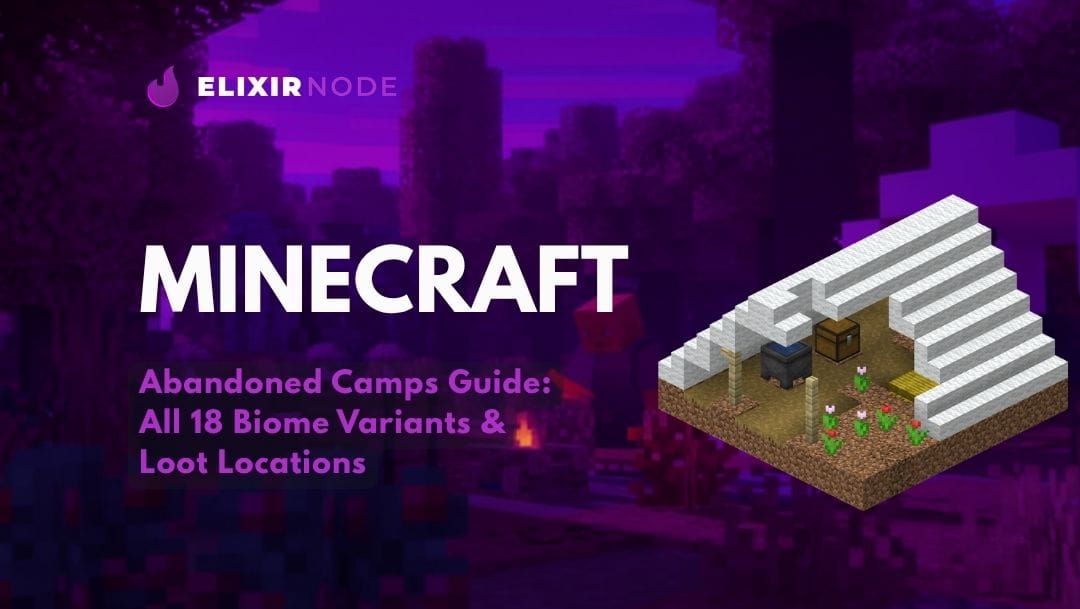
Explore all 18 biome variants of the new Abandoned Camp structures in the Minecraft Wilderness Bound update. Learn how t...
Read More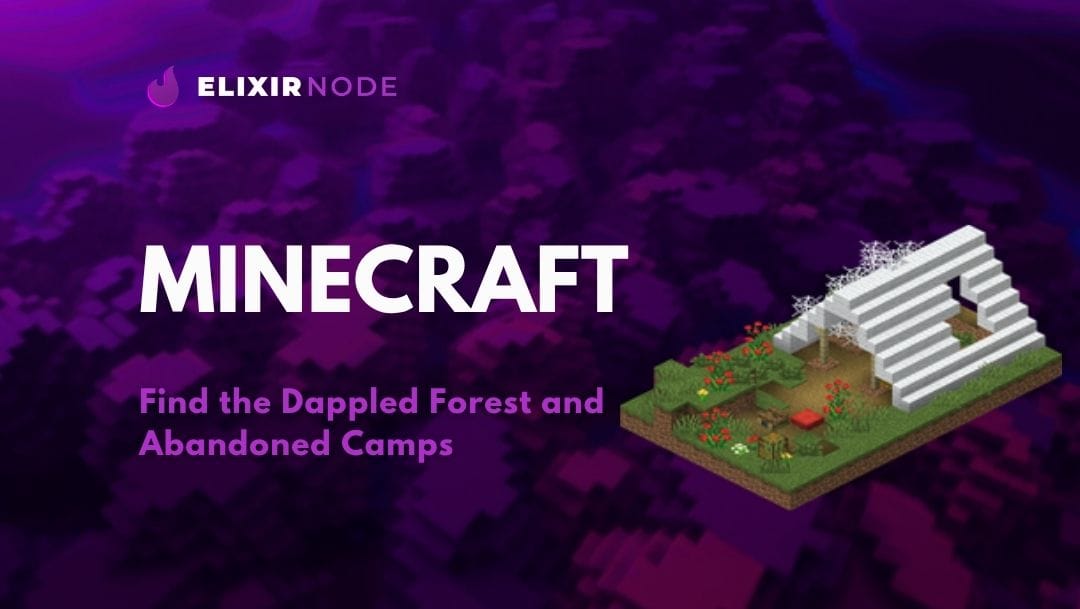 Blog
Blog
Discover how to find the rare Dappled Forest biome in the Minecraft Wilderness Bound update. Learn its spawn rules near ...
Read More Blog
Blog
If Minecraft throws an io.netty connection error, it almost always means one thing: the game reached out to the server a...
Read More Blog
Blog
Minecraft Skyblock Server Guide: Full Setup Skyblock is one of the most replayable server types in Minecraft. You start ...
Read More Blog
Blog
Finding Diamonds In Minecraft Guide Diamonds are still the gateway to real gear in Minecraft. Enchanting tables, obsidia...
Read More Blog
Blog
Best Treasure Fishing Rod in Minecraft: Enchants and Setup A fishing rod might be the most underrated item in Minecraft...
Read More Blog
Blog
Fixing Failed to Verify Username In Minecraft The "Failed to verify username" error means Minecraft could not confirm y...
Read MoreJust $0.85/GB & FREEBIES, which includes an additional FREE game server, vps, web host, dedi IP, & more on top of most plans! Host your Minecraft, CS2, FiveM, & other game servers today.