Fixing Failed to Verify Username In Minecraft The "Failed to verify username" error means Minecraft could not confirm your account with the login servers before letting you onto a server. Almost always it comes from a stale login session on the player's end, and the fix
Fixing Failed to Verify Username In Minecraft
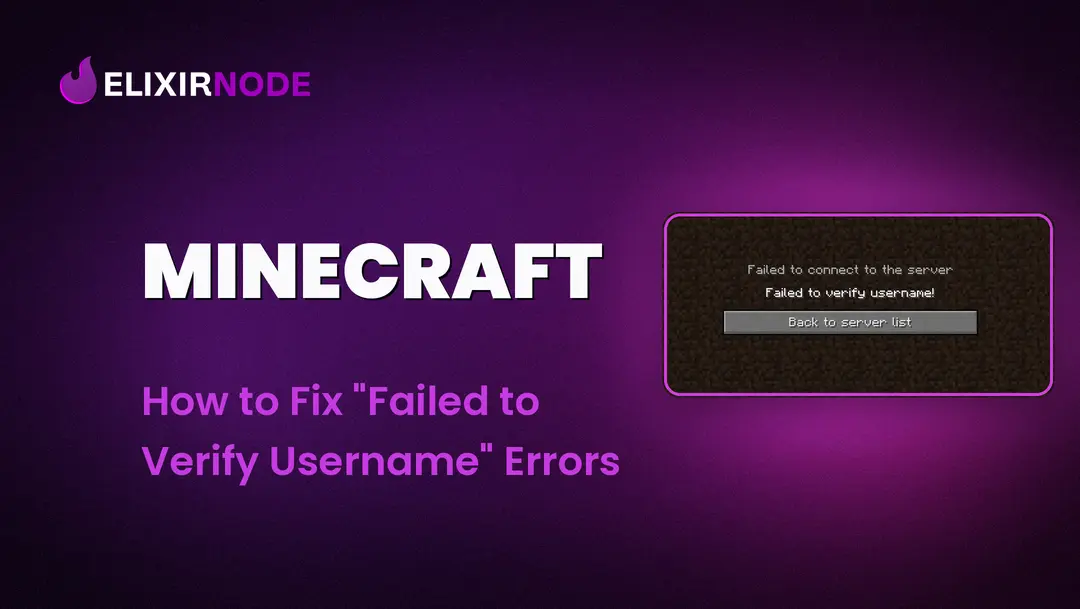
The "Failed to verify username" error means Minecraft could not confirm your account with the login servers before letting you onto a server. Almost always it comes from a stale login session on the player's end, and the fix takes under a minute: fully close the game, log out of the launcher, log back in, then reconnect. That refreshes your session, which clears the error in most cases.
Before you connect to any server that verifies accounts, Minecraft checks that your login session is genuine. When that check does not go through, you get this message (or the closely related "Invalid Session"). The trap is assuming it is your server's fault. Nine times out of ten it starts with the player, not the host, so try the quick refresh below before changing any settings.
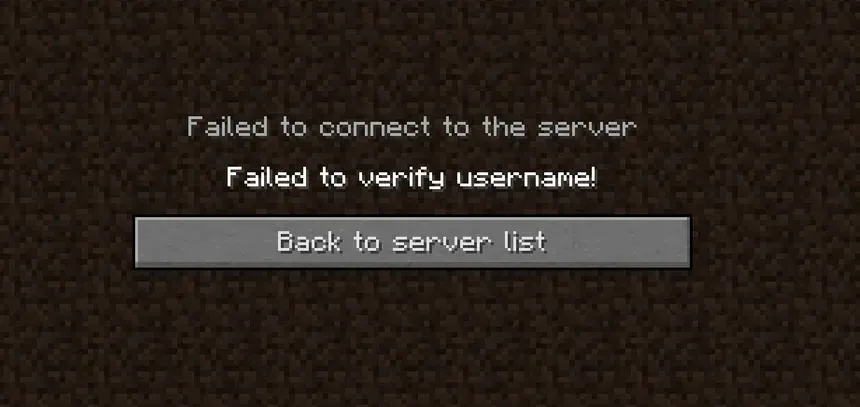
If you are the player seeing the error, do this before anything else:
This verifies your account with the login servers again, which is all that is needed the vast majority of the time. If it worked, you are done. If not, work through the causes below.
If the quick refresh did not solve it, run through these in order.
These apply when the problem is on your side rather than one player's. A quick tell: if a single player gets the error while others join fine, it is that player's account. If everyone is blocked at once, look here.
online-mode=false with IP forwarding configured on the proxy, and be firewalled so only the proxy can reach it. A backend left on online-mode=true throws this error for everyone. .online-mode=false in server.properties switches off account verification entirely, so anyone can join under any name and impersonate your players or staff. Only do it for a private LAN game or a knowingly cracked server, and pair it with a login plugin (see our recommended Minecraft server plugins) and an anticheat (see Top 5 Best Minecraft Server Anticheats). Keep online-mode=true on any public server.| Cause | Who it affects | Fix |
|---|---|---|
| Stale login session | One player | Log out of the launcher, log back in, rejoin. |
| Recent username change | One player | Same refresh. Logging back in pulls the new profile. |
| Login servers down | Everyone, everywhere | Check the status page, wait 10 to 20 minutes. |
| Multiple logins at once | One player | Close other copies using the same account. |
| Firewall or antivirus blocking the launcher | One player | Allow the launcher through, check the connection. |
| Unofficial or cracked client | One player | Use a genuine account on a verified server. |
| Server cannot reach the login servers | Everyone on your server | Restart the server, then contact your host. |
Proxy backend left on online-mode=true | Everyone on your network | Set backends to online-mode=false and enable forwarding on the proxy. |
Is "Failed to verify username" the same as "Invalid Session"?
They share the same root cause, a login session that could not be verified, and the same first fix. If you see either one, refresh your session by logging out of the launcher and back in.
I changed my Minecraft username and now I get this error. What do I do?
Log out of the launcher and log back in. That refreshes your profile so the login servers recognise the new name, and the error clears.
Only one player gets the error and everyone else joins fine. Why?
That points at that player's account or session, not your server. Have them run the quick refresh, confirm they are on an official copy, and check they are not logged in somewhere else at the same time.
Everyone on my server gets it at the same time. What now?
That is a problem on the server. Either your server cannot reach the login servers (restart it, then contact support) or, on a proxy network, a backend is wrongly set to online-mode=true (switch it to offline mode with forwarding configured on the proxy).
Should I just set online-mode=false to make it go away?
No, not on a public server. It turns off account verification completely and lets anyone join under any name, which opens the door to impersonation and griefing. Keep online-mode=true and fix the real cause instead.
Last updated: 13 August 2026.
FREE game server, VPS, web host, dedicated IP & more on most plans!
Get Started