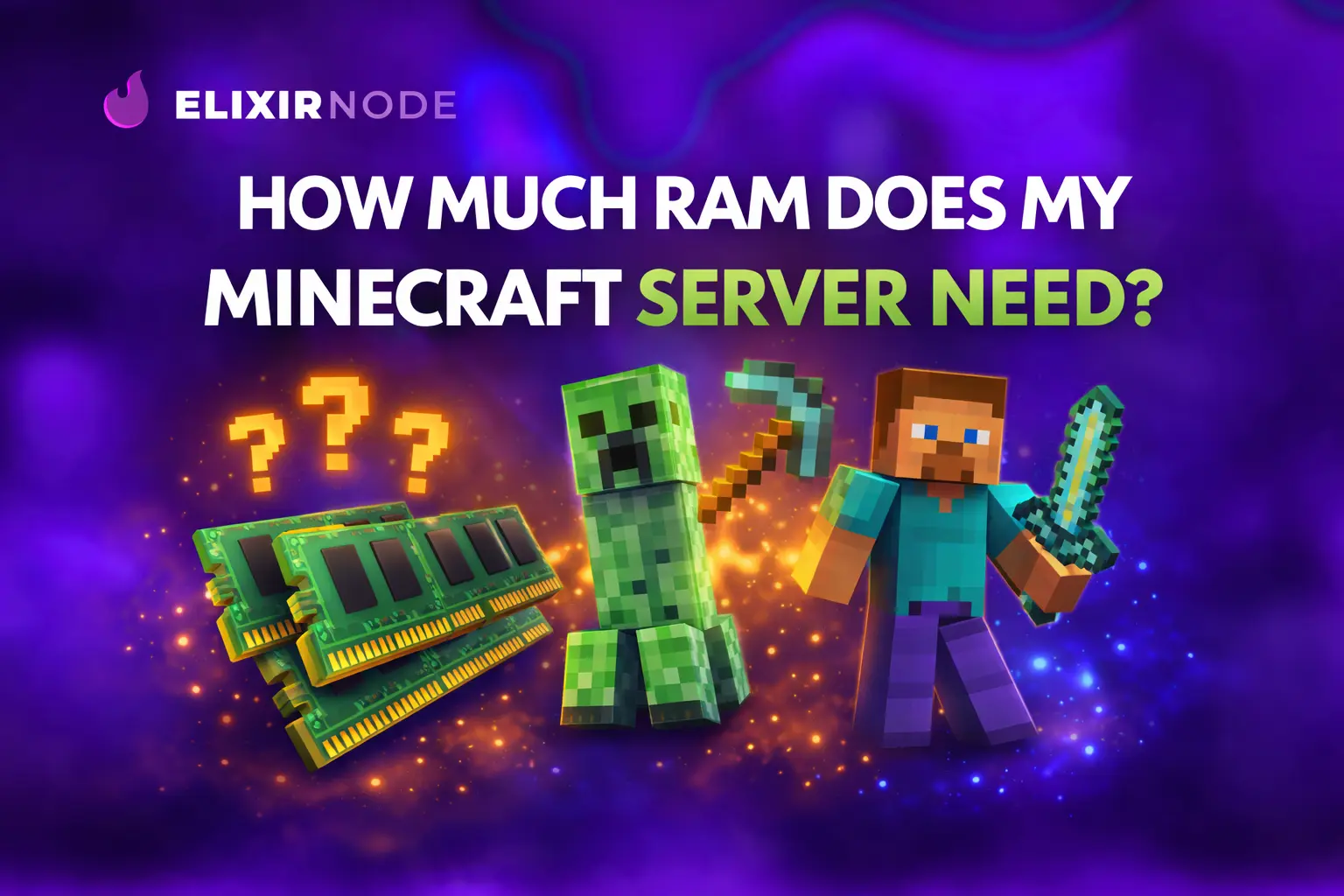
So, you decided that you want to get a Minecraft server host, one of the first and most important technical choices you will face is how much RAM your server needs. This decision usually comes after you have narrowed down which hosting tier best fits your goals. If you have
So, you decided that you want to get a Minecraft server host, one of the first and most important technical choices you will face is how much RAM your server needs. This decision usually comes after you have narrowed down which hosting tier best fits your goals. If you have not made that decision yet, it can be helpful to review a breakdown of different Minecraft hosting tiers to understand how resources are typically allocated across plans. Choosing the right tier and the right amount of RAM together sets the foundation for a smooth and stable server experience.
RAM plays a critical role in how a Minecraft server performs. It directly affects how many players can join at the same time, how quickly chunks load, how smoothly the game runs, and how reliably plugins and mods operate. In simple terms, RAM is the working memory your server uses to keep the game world active. More RAM allows the server to handle more simultaneous activity, such as larger player counts, complex redstone builds, demanding plugins, or large modpacks. When RAM is insufficient, servers commonly experience lag spikes, delayed world loading, or even crashes under load.
In this article, we will provide general recommendations for different amounts of RAM and explain what each configuration is typically capable of supporting. We will also outline how to estimate your specific RAM needs more accurately by taking into account factors such as expected player count, Minecraft version, view distance, installed plugins, and whether the server is modded. While general guidelines are useful, every Minecraft server behaves differently, and understanding your own setup will help you make better resource decisions.
Therefore, it is vital to understand that RAM requirements are NOT static, you may need to play around by upgrading and downgrading your server, which ElixirNode allows you to do instantly and our system calculates the difference in price for you automatically. As your server grows, attracts more players, or adds new plugins or mods, memory usage naturally increases. Many hosting environments allow RAM to be adjusted without rebuilding the server, which makes it easier to start with a conservative amount and scale upward as needed. Being able to monitor performance and adjust memory allocation over time is often more effective than overestimating RAM from the start.
When calculating how much RAM your Minecraft server needs, one of the most important factors to consider is the game version you plan to run. Newer versions of Minecraft are significantly more memory intensive than older releases due to increased world complexity, expanded game mechanics, and more demanding server processes. This makes version selection a critical part of accurate RAM planning.
As a general rule of thumb, the latest versions of Minecraft currently require at least 8 GB of ram to run smoothly if you are running fresh Vanilla. At least 10-12 GB of ram if you are running a modded server, then add more to this as you go up in mods, plugins, and players, using the below tables as helpful indicators.
FOR: Minecraft Servers Running Latest Version or Close:
| RAM (GB) | Players | Mods / Plugins |
|---|---|---|
| 8 | 0–4 | 0–5 |
| 10 | 5–9 | 5–15 |
| 12 | 10–14 | 15–25 |
| 14 | 15–19 | 25–35 |
| 16 | 20–35 | 35–75 |
| 24 | 35–60 | 75–100+ |
| 32 | 60–90+ | 150+ |
| 64 | 90–100+ | 150–250+ |
If you are running Minecraft versions 1.12 or below, then you can largely disregard the above table, as you can do A LOT more with those versions. If you are still running very outdated versions, I recommend simply contacting us for ram guidance, otherwise I'd start with 5 GB and play around with as many mods/plugins as you want if you're under 20 players and increase gradually.
As Minecraft has evolved, each major update has introduced additional features that increase memory usage. Larger world heights, more detailed terrain generation, expanded mob behavior, and additional data tracking all place greater demands on server resources. The impact of these changes becomes especially noticeable as player counts increase or when view distance is set higher. This is why servers running recent Minecraft versions typically require more RAM to maintain stable performance. This can be tracked all the way back to Minecraft version 1.12 onwards, it is from there on that Minecraft servers went on a resource hungry frenzy, requiring significantly more ram than they ever did before. This only seems to be increasing with newer versions.
The difference in resource usage is even more pronounced when comparing plugin based and modded Minecraft servers, though our table keeps them together as the disparity is not too major. Instead, we recommend you account for the fact that you're running a modded server by selecting more ram simply because of that fact. Plugins generally add functionality while relying on the base game mechanics, which keeps memory usage relatively modest. Mods, on the other hand, often introduce entirely new systems, blocks, dimensions, or automation mechanics, all of which consume substantially more RAM. Because of this, modded servers should always be planned with higher memory overhead than plugin based servers.
Regardless of Minecraft version, modded servers should not be run with less than 10 GB of RAM. This minimum helps ensure basic stability and prevents frequent crashes or severe lag during world generation and gameplay. For modded servers running newer Minecraft versions or versions close to the latest release, a more realistic and stable range is typically between 12 and 14 GB of RAM, especially if multiple players are active or larger modpacks are installed.
Next, we will cover general RAM recommendations for BungeeCord, along with guidance on adjusting memory allocation over time.
BungeeCord functions as a proxy rather than a traditional Minecraft server. Its primary role is to route players between multiple connected backend servers, such as lobby servers, game mode servers, or minigame instances. Because it does not handle world simulation, chunk loading, or gameplay logic, its resource requirements are significantly lower than those of a standard Minecraft server.
| RAM (GB) | Players | Plugins |
|---|---|---|
| 0.5–1 | 0–50 players | 0–10 |
| 2 | 50–150+ | 10–50 |
| 3+ | 150–300+ | 50–150+ |
For most setups, BungeeCord requires very little RAM to operate effectively. In typical environments, up to 1 GB of RAM is sufficient even when handling a large number of concurrent player connections. Unless you are operating a very large network with hundreds of simultaneous players, memory usage for the proxy itself remains minimal.
That said, RAM requirements can increase depending on how BungeeCord is configured. If you are running a large number of BungeeCord specific plugins that add features such as advanced authentication, analytics, queue systems, or custom routing logic, additional memory may be beneficial. In these cases, allocating slightly more RAM can help maintain stability and reduce the risk of slowdowns under peak load.
As with any server component, RAM usage should be monitored over time. Starting with a conservative allocation and adjusting upward only when necessary is generally the most efficient approach. This ensures that resources are used effectively while still providing enough headroom for growth or added functionality. And always remember, you can upgrade/downgrade your server with ElixirNode's Minecraft server hosting at any time, which by the way, starts at just $0.85/GB per month!
Minecraft Bedrock Edition servers have different performance characteristics than Java Edition servers, and overall they tend to require less RAM to operate effectively. According to the Minecraft Fandom Wiki, a Bedrock Dedicated Server typically recommends a minimum of around 4 GB of RAM to run smoothly, which we agree with. To stay on the safe side, we would say around 5-6 GB as a start would be really good, increasing gradually as you see the server utilize more ram, especially as players and/or plugins increase.
This should give you a solid starting point, but the right amount of memory will still depend on your expected player count, world size, and whether you will enable cross-platform features or additional plugins.
FREE game server, VPS, web host, dedicated IP & more on most plans!
Get Started